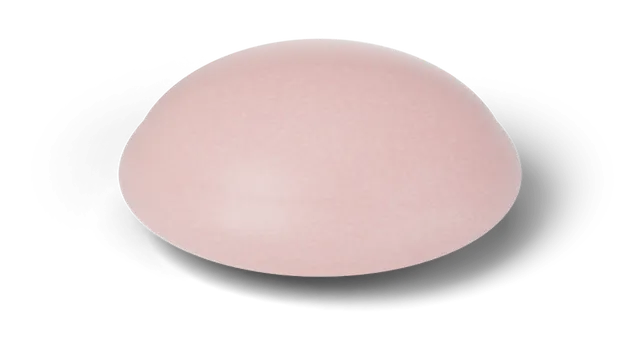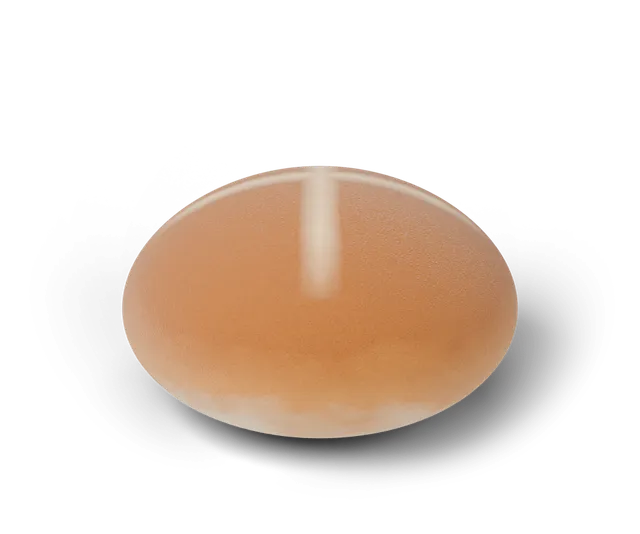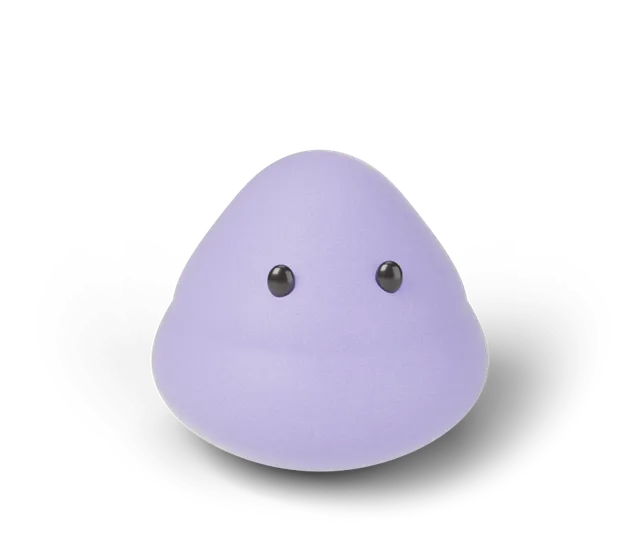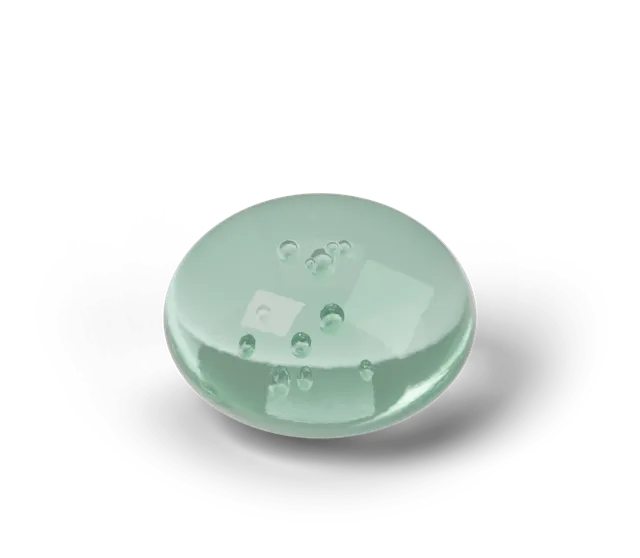
Squooshlet is a free browser game on a soft 3D simulation. Each day you press and hold one shape, let go when you think the target time is up and see how close you landed. Around that you can practice, take turns with a friend, fill a 15-slot collection book, design your own squishy, add the game to your home screen and download free wallpapers and printables. There is no account, and everything shown is a 3D simulation (CG), not a real product.
What is the main game?
The Daily Squish is the main game. Every date has one shape (bun, mochi or jelly), one target time and one finish, the same for everyone. You hold, let go and get a rating: Perfect, So close, Warm or Try again. The play page is where it happens.
Practice mode lets you pick your own target and never counts. Duel mode lets two people take turns on one device. A challenge link sends a friend your time so they can try to get closer. On bun and mochi days there is also a rise watch, a bonus step that times your tap against the simulated rise. Further down the play page, a small Tap to hold toy lets you start a swing and tap Jelly to hold it wherever you like, with no score. If you prefer the keyboard, here is how to play with Space or Enter.
With only a few seconds, the home page has a Press Bun button: hold it for one quick squish, let go, and it points you to Bun's Fall Map. It makes no sound and saves nothing.
What can I collect and keep track of?
Each day's shape and finish goes on your shelf and into the collection book, which has 15 slots: three shapes in five finishes. The game also keeps your best days, your streak and three weekly goals with a month calendar. In the collection page's viewer you can turn a find around in 3D, put two finds side by side with Compare and save a picture card of a find to your downloads.
Seasonal drops add one finish for one month. The pumpkin finish is the October drop; a pumpkin you found stays in your book after the month ends. All of this is saved in your own browser, so another device starts with its own empty book.
Can I make my own squishy?
Yes, in the designer. Pick a shape, a finish, a color pair and a face, name it and press it. The design lives in a link you can share, and you can save it as an image or download it as a free 3D file. Under your shelf on the play page, a "This week's toy" card picks one shape to try in the designer and changes every Monday; the FAQ says how it works. On the 9th of each month a small Jelly Day card shows up in the same place, and on other days a short line there names the next Jelly Day. The three shapes compared explains how they move.
What about sound, phones and offline play?
The game has synthesized sounds in three sets (Soft, Pop and Wood), a Sound button to turn them on (they start off) and, on phones that allow vibration, a Phone buzz option. After your first visit the play page also works offline and from your home screen.
What can I download?
The downloads page has four phone and four desktop wallpapers and eight free printables: a sticker sheet, a collection poster, a Perfect squish certificate, a week log, a duel scoresheet, a challenge scorecard, an October calendar and a paper squishy. The paper squishy has its own folding guide. Everything is free for personal use with no sign-up. A separate preview of the Fell Into History Paper Squishy Kit, a 12-squishy printable that is not on sale yet, is on the printables page, together with a preview of the free Squishy Gift Note, a fold-over card with one sourced history fact inside.
Where can I find answers about how it works?
Short guides cover the details. How the streak works explains missed days, how to land a Perfect squish has timing ideas, and Practice and Duel mode covers the two ways to play without touching your record.
For settings and sharing there is playing with a keyboard, sounds and phone buzz, sharing a result as a card or clip and why a streak or shelf may not save. If a word is new, Squooshlet words explained defines each one.
Is there anything to read besides the game?
Yes. Fell Into History is a small story series where a squishy drops into a moment from the past. There are two episodes so far, The Press in a 1450s print shop and One-Sixth on the Moon in 1969. The squishies are fiction and a 3D simulation (CG); the history beside them is real. Bun's Fall Map goes further: it lists ten falls, from ancient Egypt to the Moon, each with three sourced facts, and you can filter it by era. If you would rather read about the real things behind squishy shapes, Soft things, real stories has short pages on foods and materials such as mochi, marshmallows, tofu and foam. Each page gives a short answer, three fact cards and its sources.
What is not here yet?
Squooshlet is an early prototype. You cannot move your book to another device yet. Everything in the game is free to play, and more may come later. Nothing here is a test or a review of a real squishy.
If you are new to the idea, start with what a virtual squishy is.
Questions, answered
Is Squooshlet free?
Yes. It is free to play right now and needs no account. Your book and best days are saved in your browser on your own device.
What do I do first in Squooshlet?
Open the play page and try today's Daily Squish: press and hold the shape, then let go when you think the target time is up. Practice mode lets you try with no score.
Can I play Squooshlet on my phone?
Yes. It runs in a phone or desktop browser, and after your first visit the play page keeps working offline. You can also add it to your home screen.
Can I make my own squishy in Squooshlet?
Yes. The designer lets you pick a shape, finish, colors and a face, name it and share it as a link or save it as an image or a 3D file.
Is Squooshlet a real squishy product?
No. Every squishy is a 3D simulation (CG) made for the game, and nothing in it is a test of a real item.