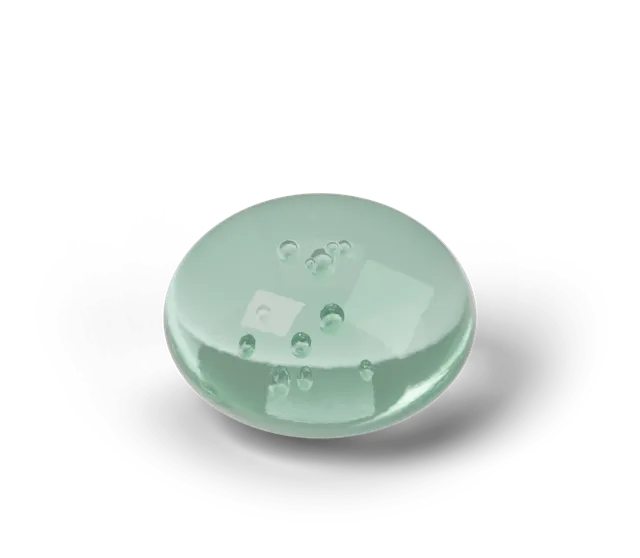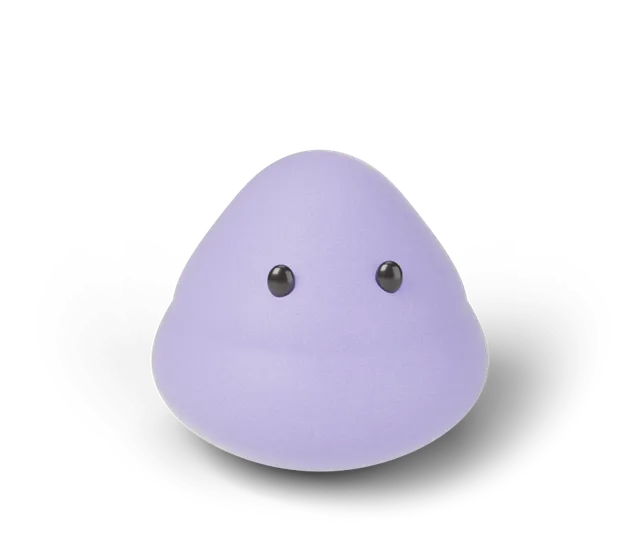
On the play page, the Sound button turns every sound on or off, the Sound set button cycles through Soft, Pop and Wood, and on a touch phone that can vibrate a Phone buzz button switches the buzz on or off. Sound starts off. The game remembers your Sound choice, Sound set, Phone buzz choice and Calm choice on your device.
What sounds does Squooshlet make?
Every sound is made live in your browser by our own code, so there are no audio files to download (the credits page lists what else the game is built on). You hear one sound when you press the squishy and another when you let go. In the Daily Squish the release is followed by a result tone that matches your rating: a rising chime for Perfect, a soft two-note lift for So close, one soft note for Warm and one low soft note for Try again.
Phones often keep sound asleep until you touch the page, so the very first press or key press may wake it up before the first sound plays.
How do I turn the sound on or off?
Sound starts off, so a first visit is silent. Press the Sound button next to the squishy on the play page to turn it on. The button reads Sound: on or Sound: off, and it controls the squish sounds and the result tones together. The game remembers your choice on your device, so it is still on or off the next time you visit.
What are the three sound sets?
Soft, Pop and Wood are three different voicings of the same sounds. Each press of the Sound set button moves to the next one (Soft, then Pop, then Wood, then back to Soft) and, when Sound is on, plays a short press and release so you can hear it. Your choice is kept in your browser, and the result tones follow the same set.
If you are chasing a Perfect, how to land a Perfect squish suggests staying with one set so a rhythm has something steady to learn.
How do the result tones differ between the sets?
All three sets play the same four results, and they differ in how each note is built. These descriptions come from the settings in the game's code. They are not a listening test, so how a set feels to you is your own call.
Soft uses rounded notes that fade over about a third of a second, and Perfect is three rising notes. Pop uses plain, pure notes that fade over about a sixth of a second, and Perfect is three rising notes as well. Wood uses brighter notes with an added overtone that fade over half a second, and its Perfect is four rising notes, one more than in the other two.
In every set the result gets quieter as it gets further from Perfect. So close is two rising notes, Warm is one note and Try again is one note an octave below Warm. In Wood, the Try again note is a plain pure note without the added overtone.
What is Phone buzz?
On a touch phone whose browser allows vibration, a Phone buzz button appears among the Daily Squish buttons. It is on until you switch it off, and that choice is saved on your device. A Perfect squish gives a rising double tap that ends in one firm thump, a new find for your collection book gives a single short tap, and tapping a squishy on your shelf gives a tiny buzz.
Phone buzz does not appear on a computer or on a phone browser that cannot vibrate, and that is normal. Nothing in the game depends on it. If your device is set to reduce motion, the shelf squash and its buzz are skipped.
What does the Calm button do?
Calm is a button on the play page that changes how the squishy looks, sounds and moves. While it is on, the colors are lower, every sound is off and the shape moves at half its usual speed. The Sound button switches off and shows Sound: off while Calm is on, and leaving Calm puts Sound back to the choice you had before.
Calm does not change the hold timer, so your hold time still means the same thing. The button shows Calm: on or Calm: off, and your choice is saved on your device.
What does the game remember?
Your Sound choice, your Sound set, your Calm choice and your Phone buzz choice are saved in your browser on your device, along with the streak and shelf. None of these choices is sent anywhere. If a setting seems to reset, why a streak or shelf may not save lists the usual causes.
Questions, answered
Can I play Squooshlet with the sound off?
Yes. Sound starts off, and you can leave it that way. The result is also written out as text, so you can read how you did without hearing the tone.
Does the game remember if I turn Sound on or off?
Yes. Your Sound choice, Sound set, Phone buzz choice and Calm choice are saved on your device. If you clear the site's data in your browser, Sound goes back to off.
What are the sound sets called?
Soft, Pop and Wood. The Sound set button cycles through them and your choice is kept on your device.
Why is there no Phone buzz button on my device?
The button shows only on touch phones whose browser allows vibration. On a computer, or on a browser that cannot vibrate, it stays hidden.
Are the sounds recordings?
No. They are made live in your browser, so there are no audio files to load and nothing is downloaded when you play.