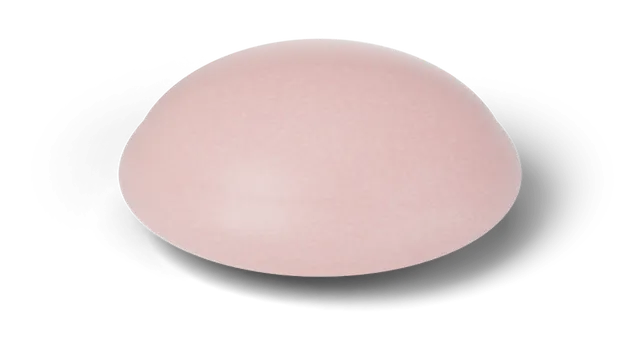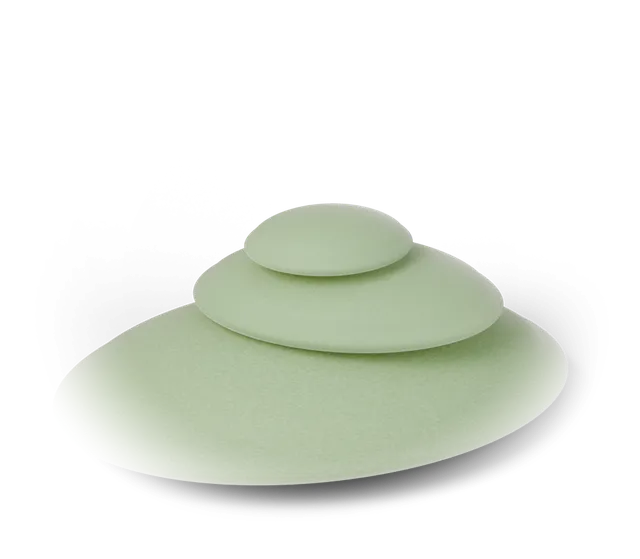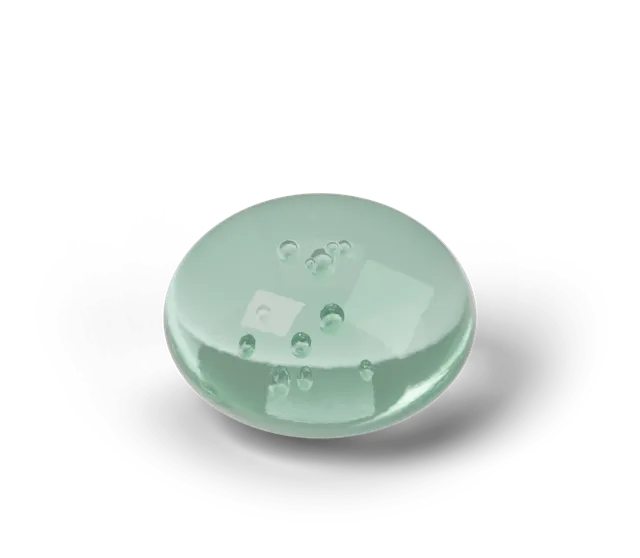
Yes, you can play the Daily Squish with a keyboard alone. Press Tab twice from the top of the page to reach "Skip to the squishy", press Enter to put focus on the squishy, then hold Space or Enter to press it and let go to finish the try. The result is written out as plain text, and the Practice, Duel and sound buttons are ordinary buttons you can reach with Tab.
How do I reach the squishy?
On the play page the first Tab stop is "Skip to content" and the second is "Skip to the squishy". Press Enter on the second one and keyboard focus lands directly on the squishy instead of just scrolling to it. You can also keep pressing Tab through the menu until the squishy is selected.
The squishy is announced as "Squishy toy. Hold Space or Enter to press, let go to release." so you do not need to guess what it does.
How do I press and release?
Hold Space or Enter to press, and let go to release. Your hold time is the time between the two, exactly as when you press with a finger or a mouse, so the same bands apply: Perfect is within 0.05 seconds of the target, So close within 0.15 and Warm within 0.4.
If you have no target in mind yet, the Daily Squish guide explains how the day's target is chosen and how to land a Perfect squish has timing ideas that work with any input.
What happens if my hold is interrupted?
A hold can only be counted if you see it through. If keyboard focus leaves the squishy while Space or Enter is still down, or the page is hidden (you switch windows or apps, or the screen locks), the squishy lets go and the game says "Hold interrupted. Not counted." Nothing is recorded, so your best of the day, streak and shelf stay as they were and you can try again.
What about the other buttons?
The Practice and Duel buttons, the Sound button and the Sound set button are regular buttons, so Tab reaches them and Space or Enter activates them. Practice and Duel show whether they are on, and the game keeps them from being on together. You can read what each one does in Practice and Duel mode.
The daily result area is a polite live region, which means a screen reader that announces live updates can read your result when a try ends. We have not yet run a full screen-reader audit, so if something reads badly or is hard to reach, please let us know so we can fix it.
Can I use the keyboard on the collection viewer?
Yes. On the collection page, press Tab to reach the 3D viewer. Left and Right turn the toy, Up and Down move to the previous or next find in your book, and holding Shift with Up or Down tilts it. Enter or Space zooms in, the minus key zooms out, and Escape or Home returns to the front view. The buttons under the viewer do the same things and can be reached with Tab. When Compare is open, the second viewer has its own focus stop and the same keys, except that it chooses among your other finds.
The viewer only looks at your book, so none of these keys change what is saved. It needs 3D (WebGL). Without it you see a still shape preview and can still move between finds.
Does reduced motion change anything?
Yes. If your device is set to reduce motion, the game follows it and skips decorative animation such as the confetti burst when a new squishy joins your book. The press itself, your time and the result text work the same way.
The 3D viewer on the collection page follows the same setting. It never turns on its own, with or without reduced motion. With reduced motion on, the shape's soft idle movement stays still and the viewer's own animations and transitions are off. If you change the setting while the page is open, the viewer picks it up without a reload.
Questions, answered
Which keys press the squishy?
Space and Enter. Hold the key down to press the squishy and let go to release it. Your hold time is how long the key was down.
How do I get to the squishy without a mouse?
Press Tab twice from the top of the play page to reach "Skip to the squishy" and press Enter. Focus moves onto the squishy. You can also Tab through the menu until the squishy is selected.
Is a keyboard try counted the same as a touch try?
Yes. A keyboard hold is rated against the same target with the same Perfect, So close, Warm and Try again bands, and it counts toward your streak, shelf and collection book when it is a real daily try.
What if I tab away while holding a key?
The squishy lets go and the game says "Hold interrupted. Not counted." No try is recorded, so you can press again.
Which keys work on the collection viewer?
Focus the viewer with Tab. Left and Right turn the toy, Up and Down choose the previous or next find, Shift with Up or Down tilts it, Enter or Space zooms in, minus zooms out, and Escape or Home returns to the front view. None of them change your saved book.
Does the collection viewer spin by itself?
No. It only moves when you turn it, with or without reduced motion. If your device is set to reduce motion, the shape's soft idle movement also stays still.
Has Squooshlet been fully tested with screen readers?
Not yet. The squishy has a spoken label and the result is written as text in a live region, but we have not completed a full screen-reader audit, so we do not claim full accessibility.