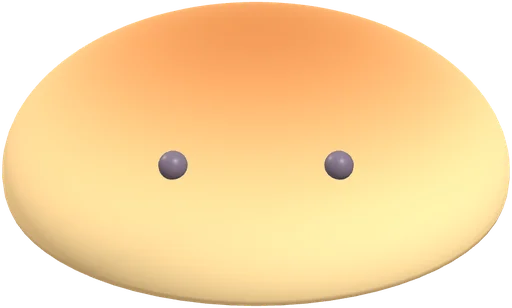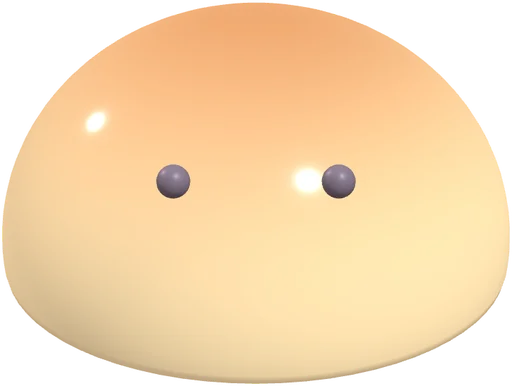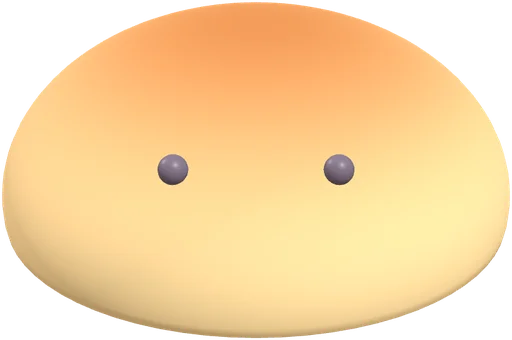
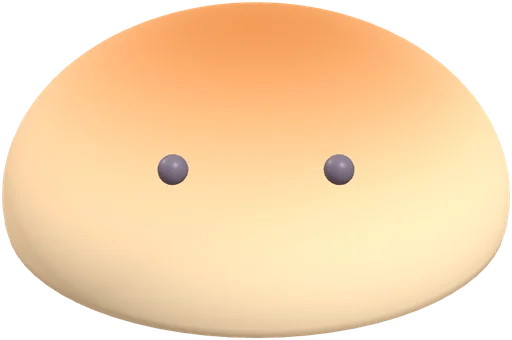

The Squooshlet collection book has 15 slots: three shapes (bun, mochi and jelly) in five finishes (classic, sunset gradient, glitter, glow and a seasonal pumpkin). Play the Daily Squish and that day's shape and finish is added to your book, which is saved in your browser. It is a game on a 3D simulation (CG), and the chances below are game settings.
What is in the book?
Every day the game draws one shape and one finish, the same for everyone on the same date. Three shapes rise back at different speeds: the bun rises slowly, the mochi rises softly, and the jelly bounces (the three shapes compared has the details). Each can come in five finishes, and the book has one slot for each pairing. The finishes are cosmetic: they change how the shape looks (the pumpkin also adds soft ribs and a small stem), not how it moves.
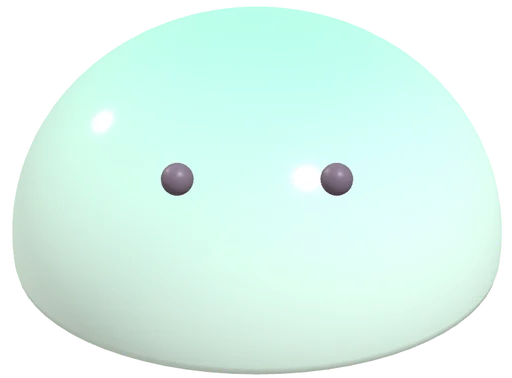
Nothing in the book is a photo or a scan of a real item. Every squishy is a 3D simulation (CG) made for the game.
The shelf picture at the top of this page is scene artwork, not your saved collection, and it changes between a day and an evening view by your clock (does the shelf change at night?).
| Finish | Chance per day | About days in 20 |
|---|---|---|
| Classic (the everyday look) | 60% | 12 |
| Sunset gradient (pink to blue) | 15% | 3 |
| Glitter (small sparkles) | 15% | 3 |
| Glow (the rarest regular finish) | 10% | 2 |
| Pumpkin (seasonal) | 20% in October only | 4 in October |
How rare is each finish?
Outside October, each day's draw gives glow 10% of the time, glitter 15%, sunset gradient 15% and classic 60%. Over a typical 20 days that works out to about 2 glow days, but it is chance, so any run of days can differ. In October a seasonal pumpkin finish takes 20% of days from the classic share, leaving classic at 40%. These numbers are settings in the game's code, not measurements of anything real, and they may change as the game grows.
The short video shows a typical 20 days as a row of icons.
How do I fill the book?
Play the Daily Squish once a day. When a shape and finish is new to your book, the game shows a New find banner and adds it to a grid of all fifteen slots. Your book and best days are kept in your own browser, with no account. You can save the book as an image, or print the free poster of the fifteen slots from the play page.
Because the draw is random, filling every slot takes many days, and the seasonal pumpkin slots can only be found in October (see how seasonal drops work). We have not published any numbers on how long it takes.
The book stays on the device and browser you play in. Another phone or browser starts with an empty book (why a book may look empty), and the saved image and the poster are keepsakes, not a backup you can load back in. On a phone that supports it, a short buzz plays when you make a new find, and the play page has a button to turn it off. More short answers about phones, devices and friends are on the FAQ page.
What are the book badges?
The book has three badges. Handful lights up when you have found 5 squishies, Big shelf at 10, and Full book at 15. When a new find takes you to one of those numbers, the pop-up on the game page names the badge. A badge is only a marker in your own book: it does not unlock anything and it is not shared with anyone. Full book needs all 15 slots, which includes the pumpkin finish, and pumpkin only turns up in October.
The video below shows an example book filling up and the three badges lighting in turn. The book in the video is an example, not a real player's.
Can I make my own squishy?
Yes. The designer lets you pick a shape, a finish, colors and a face and share it as a link. Designer looks are separate from the daily book.
Questions, answered
How many squishies are in the collection book?
Fifteen: three shapes (bun, mochi, jelly) in five finishes (classic, sunset gradient, glitter, glow, and a seasonal pumpkin).
Which finish is the rarest?
Outside October, glow: the daily draw gives it about 10% of the time, roughly 2 days in 20. These are game settings and may change.
Is my collection saved?
Yes, in your own browser on your own device. There is no account, so clearing site data clears the book.
Can I move my collection book to another phone?
Not yet. The book lives in the browser on the device you play on, so another phone or browser starts empty. Saving the book as an image gives you a picture of it, but you cannot load that image back in.
Can I turn my finds around in 3D?
Yes. The collection page has a viewer under the shelf picture. Drag to spin a find, use the zoom buttons or pinch to get closer, and use Previous and Next to move through the finds saved in your browser. With two or more finds saved, a Compare button opens a second viewer beside the first, so you can look at two finds at once, and Swap trades them. On a narrow screen the two viewers stack. It only looks at your book and never changes it, and it needs 3D (WebGL), otherwise you see a still shape preview. When a shape is showing, a link under the viewer opens a share page for Bun, Mochi or Jelly with a still preview, and opening one never adds a find to a book. It is a 3D simulation (CG).
Can I save a picture of a find?
Yes. When a find is showing in the viewer, a Save card button makes a PNG picture of it and sends the file to your downloads. The card shows the shape's name, a still preview of the shape and a CG label, and it does not show the finish you picked. It is drawn on your device and nothing is uploaded. It is a 3D simulation (CG).
Are the squishies in the book real items?
No. They are 3D simulations made for the game and they live in your browser, so there is nothing to collect off screen. More may come later.
What do the collection book badges do?
They mark 5, 10 and 15 finds in your own book: Handful, Big shelf and Full book. Full book needs the seasonal pumpkin finish, which only turns up in October. They unlock nothing and stay on your device.