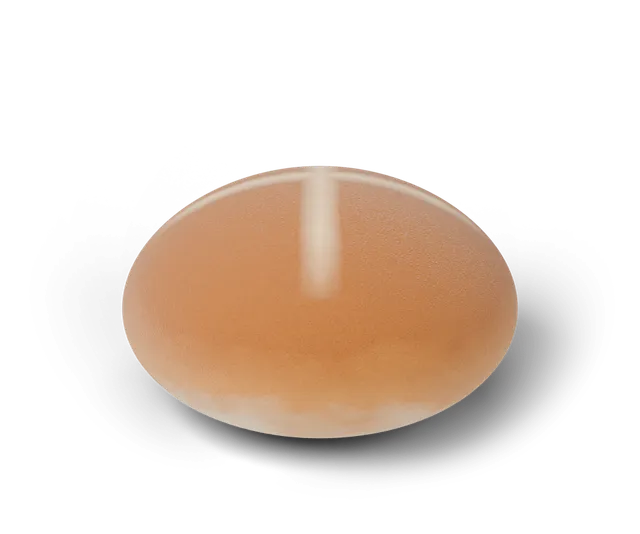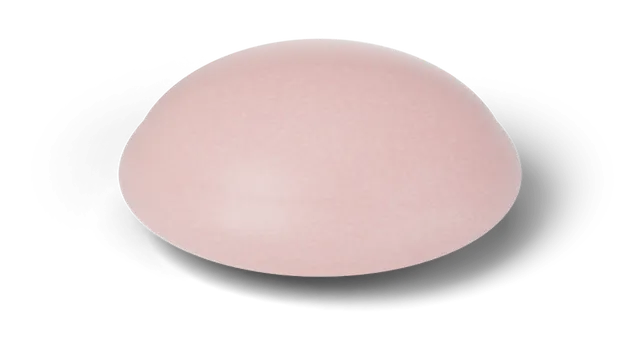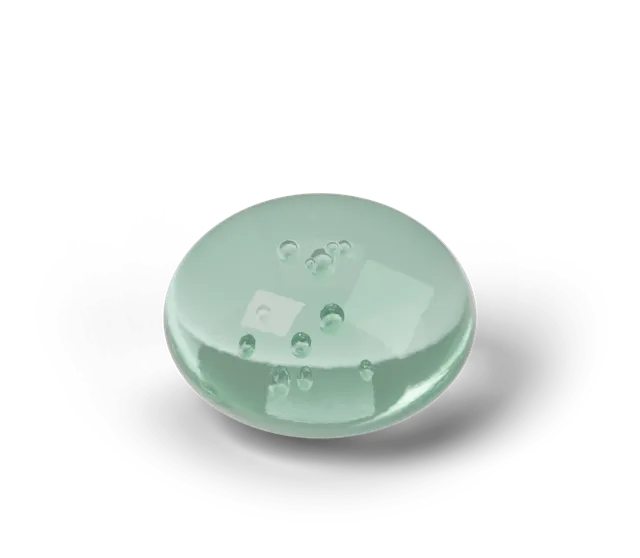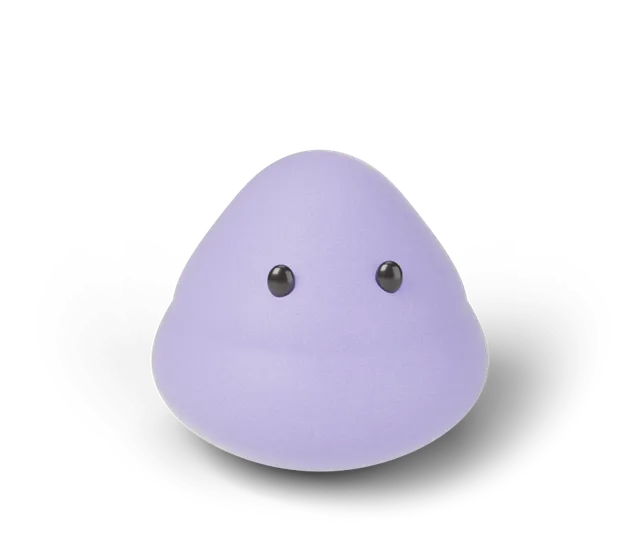
A virtual squishy is a soft 3D shape on a screen that you can press, hold and let go, and that squashes and springs back the way a soft object might. In Squooshlet it runs in your browser with no download and no account. You can play a daily timing game with it, collect new finishes on a shelf and design your own. It is a simulation (CG) made for a game, so it tells you nothing about how any real squishy feels.
What is a virtual squishy?
It is a small physics program that draws a soft shape and lets you press it. The shape is a mesh of points joined by springs with pressure inside, so it flattens when you push and rises again when you let go. Nothing in it is a photo or a scan of a real item. The details are in how a squishy simulator works.
What can you do with one in Squooshlet?
There are three things. The first is the Daily Squish: one shape and one target time a day, the same for everyone, where you hold and let go as close to the target as you can. The second is collecting: each day's shape and finish goes on your shelf and into a collection book with 15 slots. The third is making your own in the designer, where you pick a shape, a finish, colors and a face and share the design as a link.
You can also just press and watch: practice mode on the play page shows each try but counts nothing, so there is no score to protect.
What are the three shapes?
The bun rises slowly, the mochi rises softly and the jelly bounces. They differ in the settings of the simulation, so each one has its own feel when you press it. These are settings in the game's code and describe the game only. The three shapes compared goes through the differences.
What does a virtual squishy sound and feel like?
It has sound and, on some phones, a small buzz. The sounds are synthesized in your browser, and the "Sound set" button on the play page switches between Soft, Pop and Wood. The press, the release and the chime for a Perfect squish all follow the set you pick, and the Sound button turns them on or off (it starts off).
On phones whose browser allows vibration, a new find gives a short tap and a Perfect squish a double tap and a firm thump. A "Phone buzz" button switches it off and the choice stays on your device. Some browsers, including iPhone Safari, do not allow vibration, and then the button does not appear.
Does a virtual squishy need an account or a download?
No. It is free, it runs in a phone or desktop browser, and nothing needs installing. If you want one-tap play you can add the game to your home screen, and once you have opened it the game keeps working without a connection. Your shelf, streak and best days are saved in your own browser, so a different device starts with an empty book.
Is a virtual squishy like a real one?
It is a different thing. A real squishy is a physical object with its own material and its own way of recovering, and a screen cannot tell you about it. If you want to compare real items, read how to compare squishy feel. The virtual one is for playing, collecting and designing.
Questions, answered
Is a virtual squishy a real product?
No. It is a 3D simulation (CG) made for the Squooshlet game, and there is no physical item behind it.
Do I need to download an app to play with a virtual squishy?
No. It runs in your browser. You can add it to your home screen if you want one-tap play, but you do not have to.
Can I make my own virtual squishy?
Yes. The designer lets you pick a shape, a finish, colors and a face, and share the result as a link. Designs are kept in the link, not on a server.
Does it work on a phone?
Yes. It works in a phone browser, and on a phone the shape stays in view while you scroll through the options.
Does a virtual squishy make a sound?
Yes, a short synthesized sound when you press and let go, in one of three sets (Soft, Pop and Wood), once you turn the Sound button on. Sound starts off.