Under your shelf, Daily Squish shows three weekly goals: play on five days, land a Perfect squish and find a look you have not collected yet. Beside them is a month calendar that marks each day you played. Both are worked out from the shelf already saved in your browser, so there is nothing to switch on, and nothing leaves your device.
What are the three weekly goals?
Each week runs from Monday to Sunday on your own device's clock, and the goals start fresh every Monday.
**Play on 5 days.** Any five different days in the week. The goal shows how many you have, such as "3 of 5", so you can miss two days and still finish. This is not your streak, which needs days in a row: see how the streak works.
**Land a Perfect squish.** One counted try within 0.05 seconds of the day's target, judged after rounding to two decimals. It shows "not yet" until you do, then "done". How to get closer is in five tips for a Perfect squish.
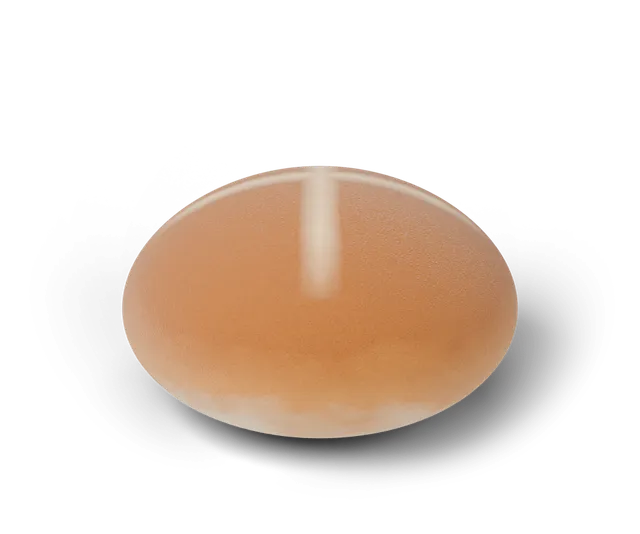
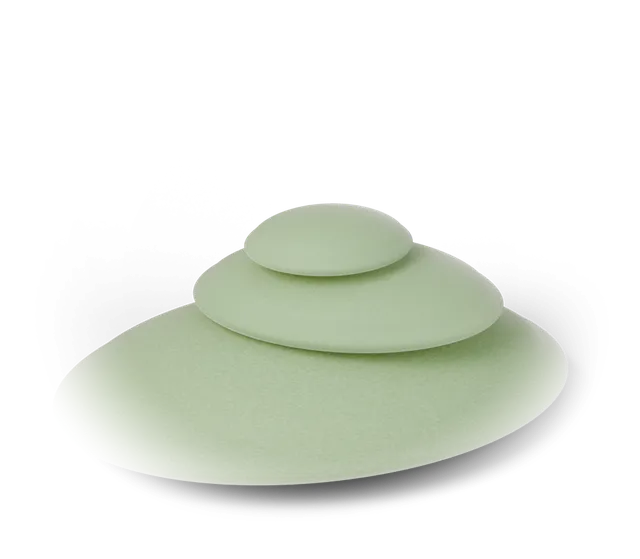
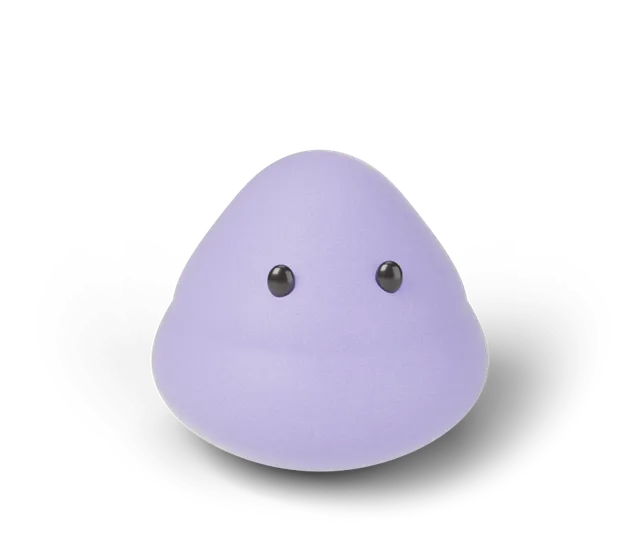
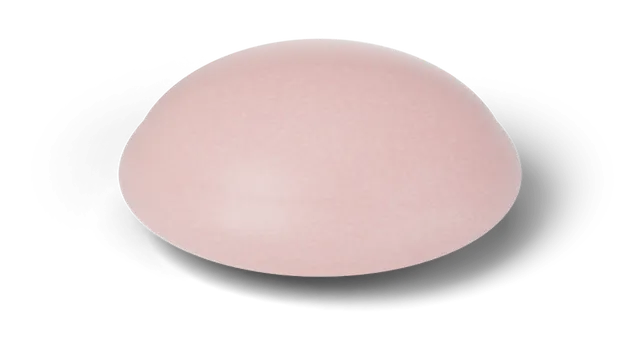
**Find a new look.** A shape and finish you have not collected on an earlier day. There are 15 in all, and the collection book shows which you have. If your book is already full, this goal counts as done and says "book complete", because there is nothing left to find.
What happens when all three are done?
The line under the goals says "All three done this week", and the week is added to a "weeks completed" tally. There is no reward beyond the tick and the tally, and the goals reset on Monday. A week you do not finish takes nothing away.
Practice mode and Duel mode tries never count toward a goal, because they are not counted anywhere. Only the daily challenge counts.
What do the marks on the month calendar mean?
The calendar under "Your month" shows each day of the month, Monday first. A star on a gold day marks a Perfect day, a filled dot means So close, an empty circle means Warm, and a plain grey day means you played and came further away. Today has a dark outline, and days that have not happened yet have a dashed edge.
Under the grid, one line counts what the month holds, for example "4 days played, 1 with a Perfect" (an example, not a real player). Each day also carries a text label for screen readers, such as "October 5: So close, off by 0.12 s" (also an example).
Can I look at earlier months?
Yes. The arrows beside the month name step back one month at a time, and forward again up to the current month. The earliest month you can open is September 2026, and the buttons switch off at either end. A month with no plays says so instead of showing an empty grid of numbers.
Where does all of this live?
Both the goals and the calendar are drawn from the shelf saved in your browser. The game's own code sets no cookies and makes no network calls, so clearing site data for the page clears them too, and another device starts with its own. If you want to see how a day works first, read the Daily Squish guide.
Everything is a game on a 3D simulation (CG). A goal is a tick on your own timing, not a test of any real item.
Questions, answered
Do I lose my weekly goals if I miss a day?
No. The week runs Monday to Sunday and you only need five days out of seven, so two missed days still leave room to finish.
What counts as a new look?
A shape and finish you have not collected on an earlier day. There are 15 in the book. Once all 15 are found, the goal counts as done.
When do the goals reset?
Every Monday, on your own device's clock.
Do practice or Duel tries count toward a goal?
No. Only counted tries from the daily challenge count.
Can I move my goals and calendar to another device?
Not yet. They are drawn from the shelf saved in one browser, so a new device starts empty.