Yes to both. After you open the game once at /play/, your browser keeps a copy of the game and the designer on your device, so they open without a connection. You can also add the game to your home screen for one-tap play. Only the play pages are saved this way; the rest of the site needs a connection.
What works offline, and what does not?
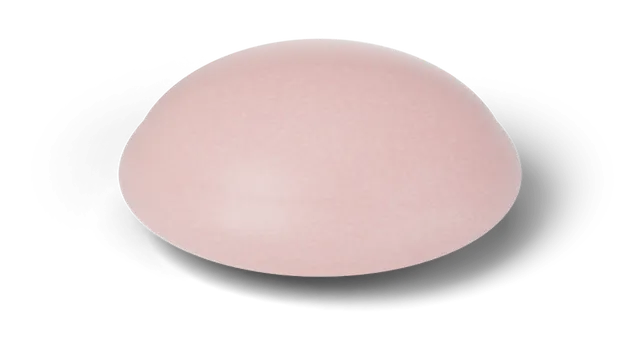
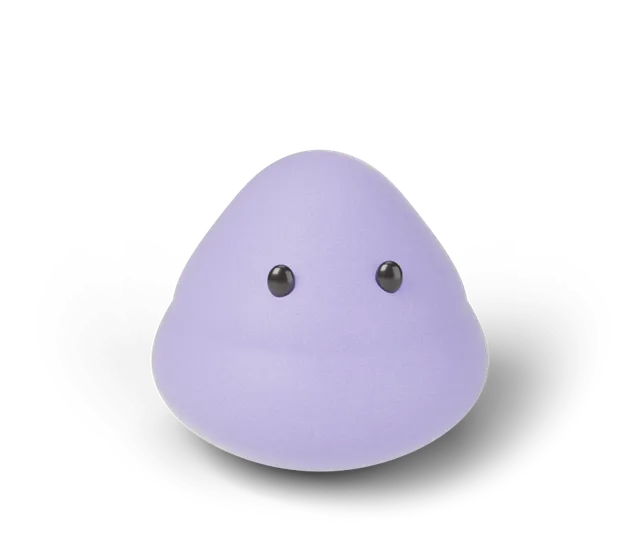
The first time you open the play page, the game saves its own page, the designer, the scripts they need, the pictures of the three shapes, the fonts, and the small files behind This week's toy and Jelly Day to your device. That is a fixed set chosen when the game is built and kept under 3 MB, and nothing else is added to it later. After that, both open with no connection, and your tries still go onto your shelf.
The saving is limited to the play pages on purpose. The home page, the journal, the downloads and every other page of the site are not saved, so they need a connection like any website. Sending a challenge to a friend, or loading anything new, needs a connection too.
The day still follows your device's clock. If you are offline at midnight, the next day's squish and target appear when you open the game again.
What if my connection is weak?
When you are online, the play page loads fresh from the site. If the connection looks up but stalls, the game shows your saved copy after about four seconds instead of leaving you waiting.
How do I add it to my home screen?
**iPhone and iPad:** tap the Share button in Safari, then Add to Home Screen. The play page shows the same tip when it detects an Apple device.
**Android and desktop Chrome or Edge:** if the browser offers installing, an "Add to home screen" button appears with the game's other buttons. Tap it and confirm. If you do not see the button, your browser may not offer install for this page, and the game works fine in a tab.
Once added, the game opens full screen in portrait. On systems that show app shortcuts, a long press on the icon offers "Play today" and "Squish designer". We have not tried every phone and browser, so the exact menu names may differ on yours.
What happens when the game is updated?
A new version of the game waits until all your open play tabs are closed, then takes over, so a tab you are using never loses the scripts it started with. Closing and reopening the game is enough to get the new version.
What does the saved copy not do?
It does not send anything anywhere. The game's own code sets no cookies and your scores stay in your browser's own storage on your device. Clearing the site's data in your browser removes the saved copy and your shelf together, so the next visit starts again from a first open.
Everything here is a game on a 3D simulation (CG). Playing offline changes nothing about how a hold is timed.
Questions, answered
Do I need an account to add it to my home screen?
No. There is no account. Adding it to your home screen only puts a shortcut to the play page on your device.
Does the designer work offline too?
Yes, once you have opened the play page online at least once, the designer page is saved with it.
Why do the other pages not open offline?
Only the play pages are saved on purpose, so the rest of the site is never touched by the game's saved copy.
Will my shelf come with me to a new device?
Not yet. Your shelf is kept in one browser on one device, so a new device starts empty.
Is there a store app?
No. Daily Squish runs in the browser, and the home screen version is the same game.
What if my connection is slow instead of off?
When you are online the play page loads fresh from the site. If the connection stalls, the game shows your saved copy after about four seconds instead of making you wait. Pages other than the play pages have no saved copy, so they simply need a working connection.